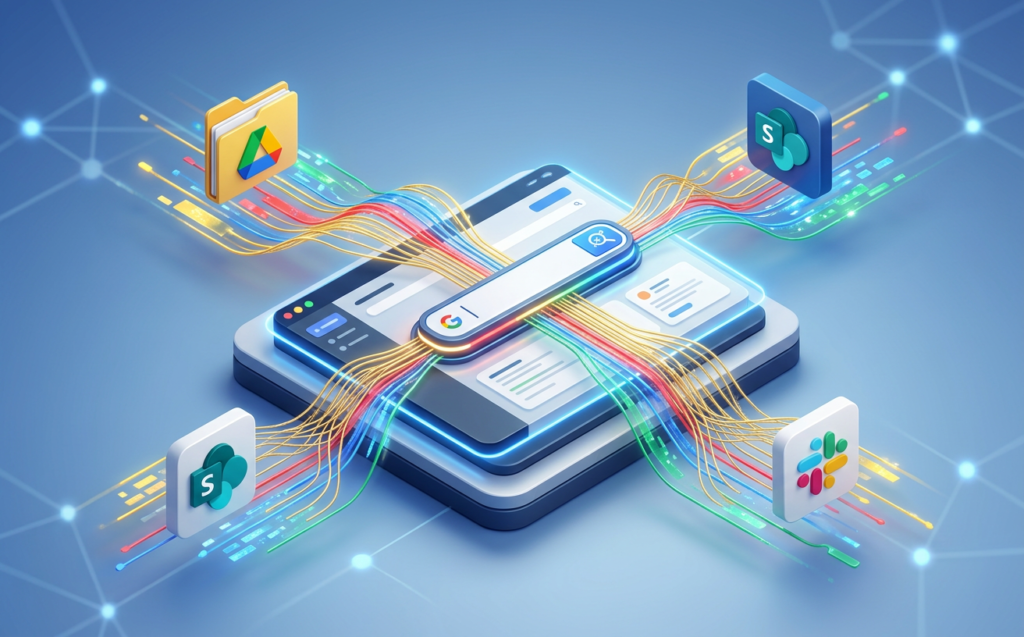
Navigating the transition into agentic workflows is the defining competitive battleground for modern B2B IT leaders. With the introduction of Gemini Enterprise, Google has officially launched a unified intranet search, conversational AI assistant, and secure agentic platform built specifically for the global enterprise.
Instead of deploying disjointed, siloed chatbots that require custom APIs and extensive developer maintenance, organizations can now implement a single, unified workspace that connects to their entire digital ecosystem.
By deploying Gemini Enterprise, you can empower your knowledge workers to shift from slow, manual execution to automated, context-aware decision-making. This guide will detail five crucial implementations that will help your team boost productivity, maintain strict data compliance, and unlock the true potential of enterprise-wide agentic AI.
Table of Contents
Demystifying the Architecture: What is Gemini Enterprise?
To successfully roll out this technology, IT leaders must first understand the fundamental structural shifts behind Gemini Enterprise. Unlike generic consumer AI tools, this enterprise-grade platform functions as an intranet search, AI assistant, and agentic workspace
. It is designed to process massive volumes of enterprise data from multiple formats and platforms while completely enforcing your company’s user-level access permissions.
At its core, Gemini Enterprise uses Google’s leading models to analyze data, coordinate complex tasks, and generate grounded answers. It serves as a secure central bridge between your corporate knowledge bases and your workforce’s daily application flows
To discover the technical steps involved in preparing your directory architectures for cloud migrations, you can read Preparing your identity directories and access control lists for enterprise cloud adoption. Aligning your user directories before integrating generative search keeps your sensitive data well-structured and secure.
Syncing Across Silos: Setting Up Unified Intranet Search
The first, and perhaps most impactful, implementation of Gemini Enterprise is establishing a permissions-aware, unified intranet search.
Enterprise teams waste hours switching between tabs to locate simple sheets, calendar events, or project files. With built-in secure connectors, this platform breaks down these internal data silos by creating a single, multimodal search interface.
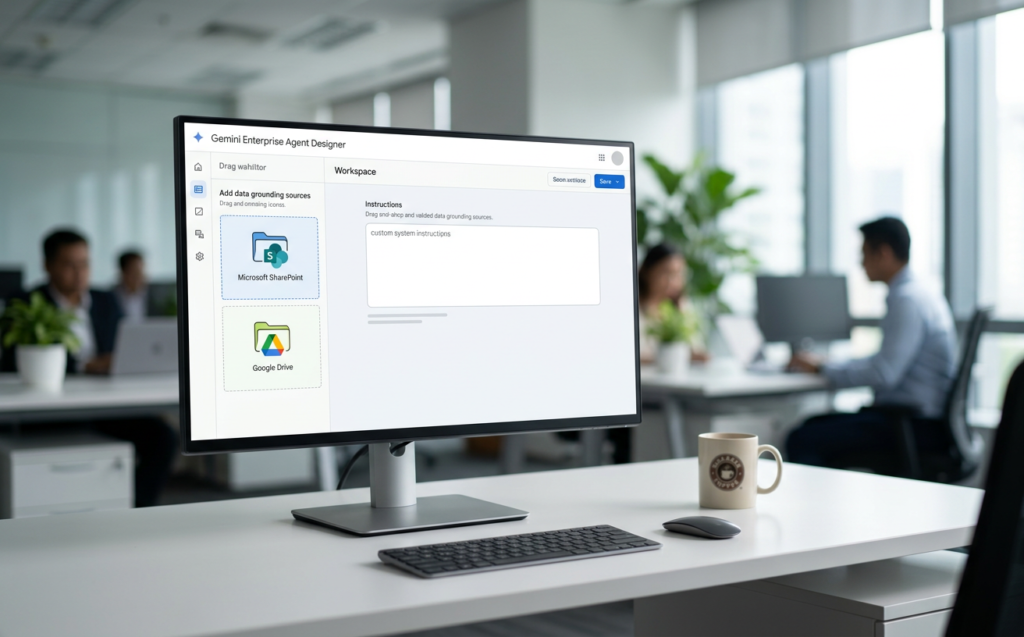
By mapping external identities and configuring OAuth protocols, administrators can securely connect their data stores:
- Google Workspace Ecosystem: Seamlessly sync with Google Drive, Gmail, Chat, and Calendar.
- Microsoft 365 Integration: Build direct, active connections with SharePoint Online and OneDrive.
- Engineering & DevOps Repositories: Instantly ground search queries in active Jira Cloud, Jira Data Center, and Confluence Cloud boards.
- CRMs & Service Tools: Search customer and administrative logs in HubSpot, ServiceNow, and Salesforce.
Because these connectors inherit your existing, user-level identity management configurations (SSO), employees will only see information they are explicitly authorized to access.
To review the technical details on setting up these integrations, consult the official Google Cloud Gemini Enterprise Documentation.
Deploying Ready-to-Use Powerhouse Agents: NotebookLM Enterprise and Deep Research
The second core implementation focuses on providing immediate, day-one value to your strategic departments using prebuilt, Google-made agents.
Rather than forcing your workers to write extensive system prompts, Gemini Enterprise provides access to specialized agent workflows out-of-the-box.
At the center of this ready-to-deploy taskforce is NotebookLM Enterprise.
This AI-powered research and knowledge assistant allows your staff to create collaborative notebooks containing notes, specific documents, and brainstormed ideas.
It is the ultimate tool for corporate research:
Democratizing AI: Designing Custom Agents with the No-Code Agent Designer
The third implementation enables non-technical business teams to build, configure, and share their own custom AI agents.
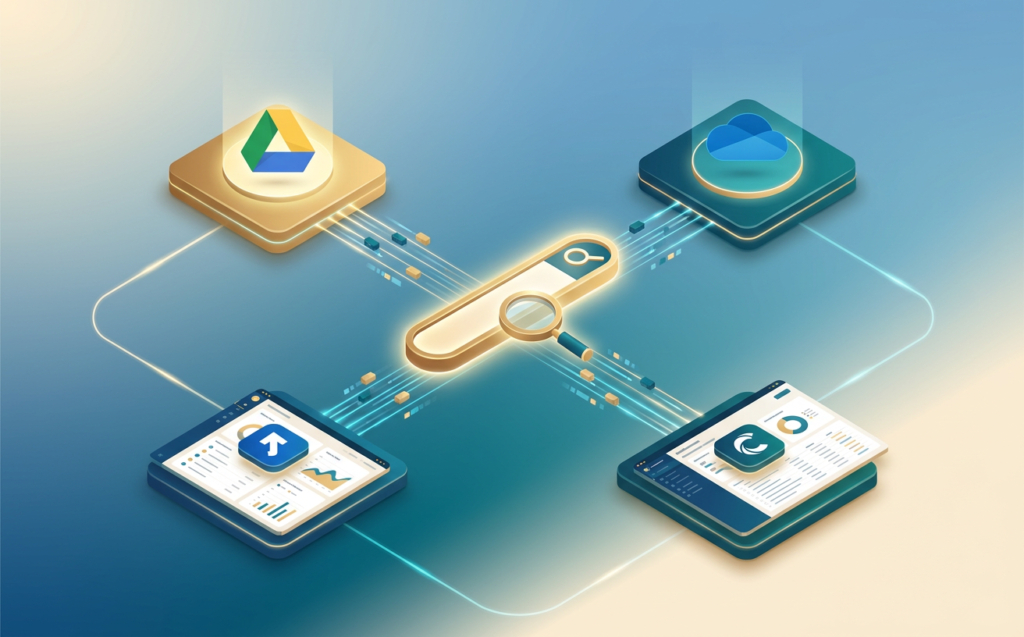
In legacy cloud setups, deploying a custom conversational assistant required a team of specialized python developers and data engineers. The Business, Standard, and Plus editions of this platform solve this bottleneck by offering a highly intuitive, drag-and-drop Agent Designer.
Using simple natural language instructions, employees can easily define custom system prompts, specify grounding sources, and assign tasks to their agents.
For example, an HR specialist can design a custom onboarding assistant that retrieves employee guidelines directly from a secure Google Sites folder.
For large-scale organizations, the Standard and Plus editions also introduce the Agent2Agent (A2A) protocol.
This protocol allows custom agents to securely communicate and coordinate complex, multi-step tasks across different SaaS ecosystems.
This allows a custom Salesforce agent to collaborate directly with a ServiceNow AI agent to resolve complex client tickets. Learn more about this ecosystem in the Partners Powering the Gemini Enterprise Agent Ecosystem
Enforcing Zero-Trust Governance: Secure Identity, VPC-SC, and Model Armor
The fourth critical step in any Gemini Enterprise rollout is configuring advanced security controls.
Giving workers access to generative AI must never come at the expense of your company’s data privacy or intellectual property.
Google’s enterprise terms guarantee that you own your data: your prompts, uploaded files, and generated responses are never used to train public models or shared with third parties.
To enforce strict, company-wide security, IT administrators should implement these key built-in controls:
- Model Armor: Proactively screen all inputs and outputs for malicious code, sensitive data exposure, and unsafe interactions .
- VPC Service Controls (VPC-SC): Mitigate data exfiltration risks by defining secure network boundaries for your AI apps .
- Customer-Managed Encryption Keys (CMEK): Retain absolute control over your cryptographic keys, ensuring compliance in highly regulated spaces .
For guidance on securing your cloud environment, read our cloud security guide. Building a secure boundary from day one prevents accidental leaks while keeping your team’s innovative momentum high.
Aligning Your Budgets: Business vs. Standard and Plus Editions
The fifth implementation is determining which edition of Gemini Enterprise aligns with your organizational footprint and budget constraints. Google offers clear editions built for different enterprise scales, making it easy to optimize your software license spend.
For a clear breakdown of the legal protections, billing rules, and responsibilities governing corporate AI deployments, review the Google Cloud Gemini Enterprise Business Terms.
Partnering with a Premier Integrator for Your AI Journey
Successfully rolling out Gemini Enterprise requires more than just assigning licenses to your staff.
It involves auditing your existing files, mapping proper user directory permissions, setting up secure APIs, and training your workforce to build high-performance custom agents.
Partnering with a premier integrator ensures a seamless, highly optimized cloud deployment.
At Matrix Connexion, we help modern businesses navigate their cloud migrations and AI transformations.
Our team of certified cloud architects specializes in configuring secure, multi-tenant cloud ecosystems, managing data access permissions, and training teams to maximize their productivity using Google Cloud.
If you are ready to modernize your office environment and optimize your IT spend, reach out to our team now.
We will handle the complex technical alignments so your workforce can focus entirely on strategic growth. Contact Matrix Connexion today to schedule your 30-minute discovery session and see how this platform can redefine your daily operations!