Ready to accelerate your digital transformation? Get your FREE Digital Readiness Score today!

AI and data training for the work your team does.

Your team may already have access to AI tools. The next step is knowing how to use them on a report, a customer response or a recurring task, and how to judge the result.

MatrixC Academy helps business teams practise AI use and develop the data skills needed to explain what the information means. Start with the work you want people to do better, then choose the learning path that fits their roles and experience.

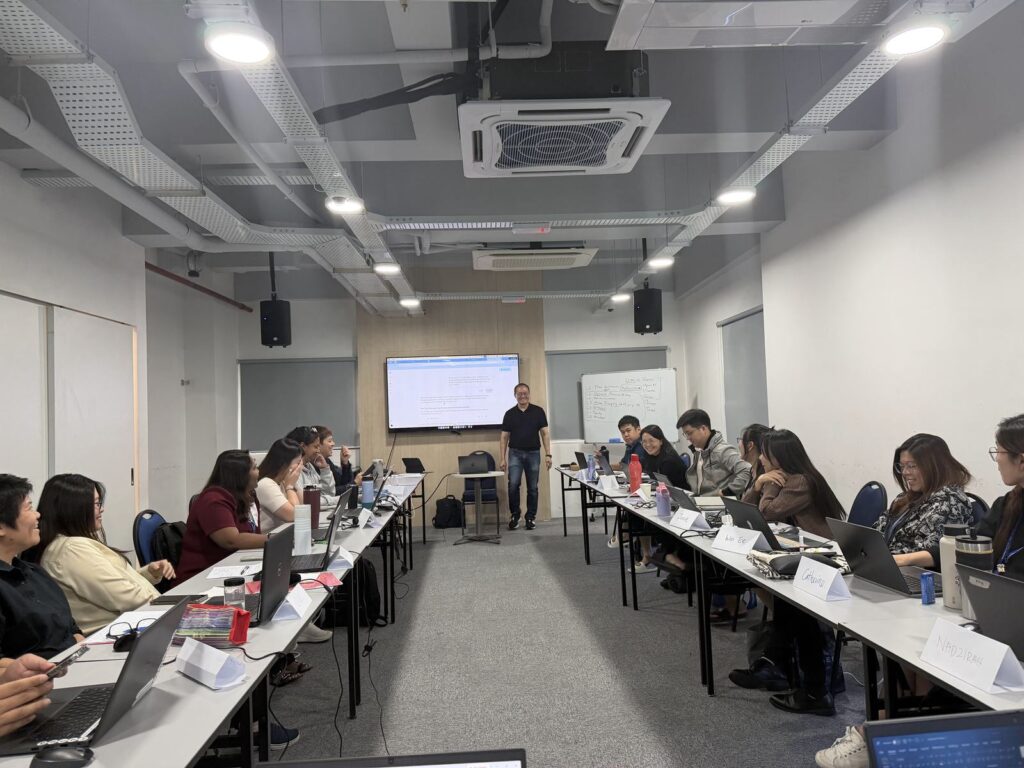
AI workshop in a MatrixC training room, trainer presenting to participants at laptops
A MatrixC AI workshop. Existing workshop photograph.

Choose the work your team needs to improve

Use AI in everyday work

Build confidence in giving useful instructions, providing relevant context and checking an output before relying on it. The AI Essentials path is a starting point for business professionals and team leaders.

Understand data and explain the decision

Develop the habits behind a useful report: organising information, choosing an appropriate visual and explaining what the figures support. The data pathways include management, storytelling and visualisation.

The two areas meet when a team uses AI to work with information and still needs to check the source, interpret the result and communicate a recommendation. The right starting level matters more than choosing the most advanced course.

Before choosing a programme, check whether the gap is training, access or process support.

Practise on work your team already does

Bring a recurring report, a customer reply or a simple data task. Practise a repeatable way to produce the work, then check it against the source and agree what still needs human review.

One workshop example: A financial-services cohort reported cutting report-writing time from 90 to 15 minutes. This was self-reported after a two-day workshop, not a promised result. See the workshop evidence.

AI Leadership, Risk & Governance

AI Risk and Data Exposure for the Board

Decision Rights, Human Accountability and Cybersecurity Boundaries

Which decisions can AI make, which need a person’s approval, and who answers for the outcome? A secure system can still disclose sensitive information to the wrong audience through an authorised workflow. This private workshop gives directors and senior management a way to set those boundaries.

90 minutes · Executive · In-house, by arrangement
Sean Tay, CEO & Founder of MatrixC, facilitates this vendor-neutral, non-technical workshop for boards, C-suite executives and senior management in Malaysia. Risk and compliance leaders and business owners can join their leadership teams.

Explore the Decision Rights Map, agenda and takeaways

The Decision Rights Map

In a facilitated scenario, leaders decide where AI’s authority ends, who can approve an exception and who checks the outcome. The map distinguishes three kinds of decision.

AI decides
AI acts within approved rules. A named person monitors the outcome and remains accountable.
AI recommends
AI analyses the information and proposes an action. An authorised person makes the decision.
Human only
A person decides when significant judgment, accountability or irreversible consequences are at stake. AI may help prepare the information.

What your leadership team will practise

  • Distinguish AI decision risks from cybersecurity risks.
  • Trace where a workflow can expose confidential information.
  • Decide what to delegate and what requires human judgment.
  • Name the person accountable for each AI-assisted decision.
  • Question how management verifies outcomes and escalates exceptions.
  • Choose practical governance actions for the next 90 days.

How the 90 minutes are spent

The executive briefing leads into facilitated discussion and a scenario-based exercise. The scenario can reflect the confidentiality and oversight concerns of financial services, asset management or another information-sensitive industry.

  1. The changing nature of AI risk — 10 minutes
  2. AI and data exposure — 15 minutes
  3. The Decision Rights Map — 15 minutes
  4. Scenario-based governance exercise — 25 minutes
  5. Board oversight and regulatory context — 15 minutes
  6. Management priorities and Q&A — 10 minutes

What participants take away

A Decision Rights Map worksheet, an AI data exposure assessment, board-level oversight questions and a 30/60/90-day action framework.

Workshop scope

MatrixC covers cybersecurity from the board’s oversight perspective. The discussion can draw on Malaysian guidance relevant to your industry. Technical security training, security audits, penetration testing, regulatory compliance assessments, certification, legal or investment advice and formal assurance of AI systems fall outside this workshop.

Your facilitator

Sean Tay, Founder and CEO of MatrixC

Sean Tay, CEO & Founder, MatrixC
Sean facilitates AI programmes for directors, business owners and management teams. His sessions connect the work people do with the decisions they remain accountable for.

Discuss your board’s priorities

Tell us which decision or data exposure your leaders need to address. If you know the likely group size or preferred delivery period, include it in your enquiry so MatrixC can tailor the discussion.

Find a learning path

AI Essentials

For people using AI in customer service, sales, operations and other business roles. Explore practical prompting and workplace applications, with the current course outlines available on the pathway page.

Explore AI Essentials
View skills and current course detail

Perfect for:

  • Business professionals looking to enhance productivity
  • Team leaders seeking to implement AI tools
  • Individuals new to AI concepts and applications

Key Skills You'll Gain

  • Prompt Engineering

    Learn the art of crafting effective prompts to harness the full potential of AI tools.

  • AI-Enhanced Decision Making

    Leverage AI insights to make more informed business decisions.

  • Workflow Automation

    Automate repetitive tasks and streamline operations using AI capabilities.

  • Content Generation

    Create high-quality content faster with AI assistance.

Featured Courses

AI Prompt Mastery

Learn techniques for personal productivity and professional growth.

AI Business Applications

Explore practical applications of AI in various business scenarios.

Data skills and storytelling

For analysts, managers and teams who need to work with data and explain it clearly. Explore data management, storytelling and visualisation through the existing Enterprise Data Specialist pathway. The current programme name remains unchanged.

Explore the data pathway
View skills and current course detail

Perfect for:

  • Business analysts and data professionals
  • Decision-makers who work with data
  • Teams looking to improve data literacy

Key Skills You'll Gain

  • Data Management

    Organize, store, and analyze data to support business intelligence initiatives.

  • Data Storytelling

    Communicate complex data insights through compelling narratives.

  • Data Visualization

    Create impactful visual representations of data using advanced techniques.

  • Analytical Thinking

    Develop a structured approach to problem-solving using data.

Featured Courses

Data Management

Master fundamentals of organizing and analyzing data.

Data Storytelling

Translate technical data into compelling narratives.

Data Visualization

Create impactful visual representations of data.

Advanced data and innovation

For teams with a defined data role and a more advanced learning requirement. Review the Enterprise Data Innovator pathway and discuss prerequisites before choosing it.

Explore advanced learning
View skills and current course detail

Perfect for:

  • Data scientists and analysts
  • Business intelligence managers
  • Innovation leaders and strategists

Key Skills You'll Gain

  • Data Innovation

    Develop pioneering methods that transform how businesses use data.

  • Strategic Data Utilization

    Create new strategies and solutions that leverage data for business growth.

  • Big Data Analysis

    Transform large datasets into actionable insights with advanced techniques.

  • Advanced Data Storytelling

    Master the art of persuasive data narratives that drive organizational change.

Featured Courses

Data Pioneers

Explore cutting-edge methods in data innovation.

Data Innovator

Develop innovative approaches to data utilization.

Data Alchemy

Transform big data into actionable insights.

Persuasive Data Storytelling

Create compelling narratives that drive decisions.

Compare the three learning paths or browse individual courses.

What workshop participants reported

In 413 self-reported responses from MatrixC AI workshops between March and October 2026, 85% reported saving time each week and 90% said their confidence using AI increased. 99% said they would recommend the workshop.

These responses describe a historical participant group. They are not a prediction of your team's results. The tasks, tools and practice participants bring to their work will differ.

99%

Would recommend the workshop

78%

Now rate their AI confidence 4–5 out of 5 (13% before)

85%

Save time every week

68%

Use AI at least daily

Hours back every week

41% save three or more hours a week, and 85% report a weekly saving. 15% had not measured a saving yet when surveyed.

Where the time comes from

Report writing (73%), email drafting (69%), data analysis (63%) and presentations (54%) are the tasks participants speed up most.

Reported confidence

Average confidence using AI day to day rose from 2.5 to 4.0 out of 5, and 90% said their confidence went up.

Before and after, in their words

Meeting minutes: 6 hours to 10 minutes. Monthly report: 1 week to 3 hours. Tender summary: up to a day to 10 minutes. RCA report: 3 hours to 15 minutes.

Based on 413 participant responses from MatrixC AI workshops, March to October 2026 (self-reported). Rated 5.0 on Google from 170 reviews (November 2026).

Read the financial-services task examples and participant testimonials

Before and after time savings

Participants from a financial-services workshop cohort reported these task examples after a two-day workshop. This is historical cohort context, not a duration or results promise for a new booking.

Self-reported task examples from a financial-services workshop cohort
Task Before After Time Saved
Campaign Proposals 5 hours 1 hour 80%
Request for Proposals (RFPs) 3 days 7 hours 71%
Regulatory Document Review Half a day Under 1 hour 75%+
PowerPoint Slides 4–6 hours 1 hour 80%
Report Writing 90 minutes 15 minutes 83%
Email & WhatsApp Replies 10 minutes Under 2 minutes 80%

Participant testimonials

"Such an eye opener especially with NotebookLM"

Emi Muttalib, Manager, AHAM Capital

"It's worth it — very simple, hands-on intro to AI. You'll learn a few tricks you can actually use, and see what's hype vs. helpful.

Azira Pakharuddin, AHAM Capital

"Very insightful and interactive session which will make your work more efficient."

Syahmith R, AHAM Capital

"This is the workshop to attend if you want to learn the basics, and the tricks on how to hit the ground running."

Ee Lin Lim, AHAM Capital

"Be ready to be very hands-on"

Jason Tan, AHAM Capital

"Instead of just talking about what AI can do, we actually tried prompts, refined them, and saw immediate results… By the end, I felt more confident, not just in using AI tools, but in shaping them to fit my workflow."

AI workshop participant, Google review

Start with a useful training brief

Tell us who will attend, their current experience and one task they need to perform better. A mixed group may need a different starting point from people who already use AI or work with data every day.

Before booking, agree the learning scope, what participants should practise and how their work will be reviewed. Confirm the delivery format, duration, tools, prerequisites, fees and any follow-up in the proposal.

Use a sanitised example when describing the task. Keep confidential customer information, passwords and account access out of the initial enquiry.

Use the AI training brief and provider checklist to describe your team’s task and compare proposals.

Already using Google Workspace or another platform?

A platform decision and a learning need can be discussed together. Tell us what the team already uses and where people get stuck. We can help identify whether your next conversation belongs with licensing, implementation or training, with each scope agreed separately.

Discuss training around one real task

Share the team's roles, approximate participant count and the work you would like them to practise. If you are unsure which path fits, describe that work and your current starting point.