Modern enterprises run on collaboration. Tools like Google Drive, Docs, Gmail, and Google Meet have revolutionized the modern workplace, making it easier than ever for teams to co-author, present, and coordinate projects in real-time. However, this emphasis on frictionless productivity frequently creates a shadow risk: native collaboration tools are naturally designed to make sharing easy, which in turn makes data leakage equally simple. For IT personnel and security administrators, understanding and mitigating Google Workspace security gaps is the difference between a thriving digital workplace and a catastrophic security breach.
While Google provides an incredibly robust cloud infrastructure, the responsibility of configuring and managing security policies falls squarely on individual organizations. This shared responsibility model means that default settings, human error, and legacy configurations often leave doors wide open to attackers. If your organization relies solely on native GWS configurations without external auditing, you are likely exposed to several critical vulnerabilities. In this article, we will break down the primary Google Workspace security gaps that compromise corporate networks, and how GWS Auditglance provides the exact visibility and automation needed to secure your enterprise collaboration.
Table of Contents
Why Native Collaboration Exposes Google Workspace Security Gaps
Google Workspace’s primary selling point is how quickly it connects teams. When a team member creates a document, sharing it with a colleague is as simple as clicking a button or sending an invite. But the core philosophy that drives productivity—making data accessible and movable—inherently runs contrary to strict security perimeter controls. Consequently, everyday decisions that prioritize speed and convenience organically generate severe Google Workspace security gaps that malicious actors are actively scanning for.
How Google Workspace Strengthens Security in a Hybrid Work Model
When IT environments operate in “open-by-default” states, minor human oversights multiply. Employees frequently share folders containing highly sensitive financial or personal data with external vendors using public links, forgetting to revoke access once the project finishes. Native Google configurations often warn users about external shares, but they do little to actively prevent the ongoing drift of data access. Without specialized, automated tools to audit these settings constantly, your security posture degrades daily.
The 5 Critical Google Workspace Security Gaps You Must Address Today
1. Loose File Sharing Defaults & “Anyone with the Link” Access
The most common of all Google Workspace security gaps involves loose permissions in Google Drive. When users want to share a file quickly, they frequently set general access to “Anyone with the link can view” or even “Anyone with the link can edit.” These open links do not require a Google login, meaning they are completely public to the internet. If an unauthorized party compromises an employee’s browser history or intercepts the URL, they gain instant access to your company’s proprietary data.
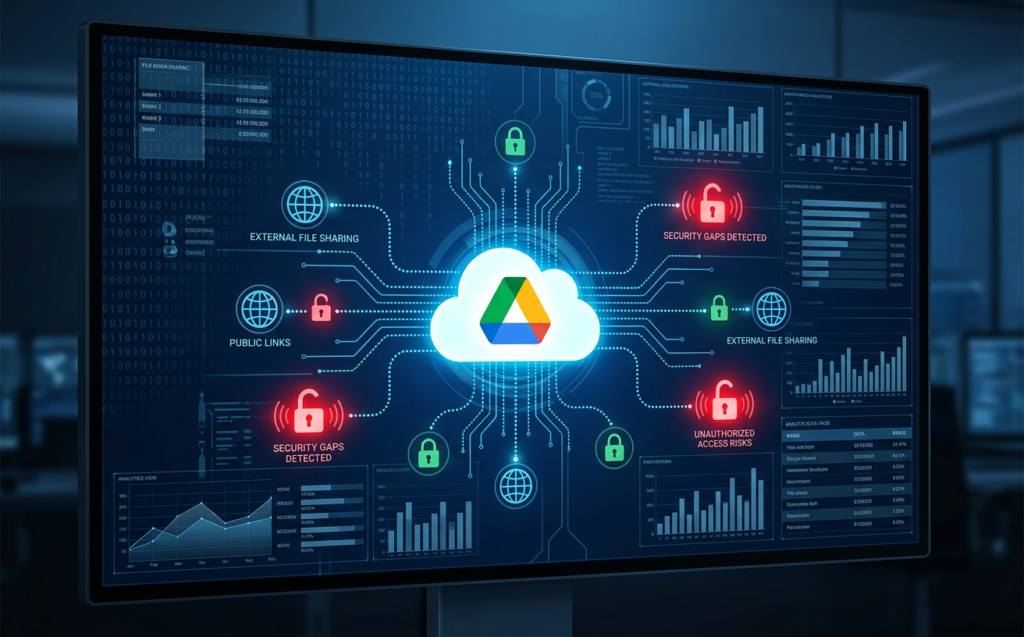
Furthermore, files created inside a Shared Drive inherit the broad sharing settings of that drive. When a parent folder is accidentally shared externally, all sub-folders and future documents inherit those permissions. IT departments cannot manually audit every single file inside Google Drive, leaving massive amounts of dark data exposed.
2. Blind Spots in Third-Party OAuth App Permissions
Employees constantly seek out third-party extensions, integrations, and SaaS add-ons to boost their productivity. From calendar organizers to automated grammar checkers, the ease of clicking “Sign in with Google” and granting permissions via OAuth makes these tools highly popular. However, this creates massive Google Workspace security gaps because many of these external applications request permissions that are excessively broad, such as the ability to “read, compose, and send email” or “see and download all files in Google Drive.”
Learn more: Cybersecurity and Infrastructure Security Agency (CISA) Cloud Security Guidelines
If a third-party vendor suffers a data breach, the OAuth tokens they hold are compromised. Attackers can then leverage these valid tokens as a bypass key directly into your organization’s GWS environment, completely bypassing Multi-Factor Authentication (MFA) and single sign-on security barriers. IT managers must have complete visibility over every active OAuth grant to revoke high-risk or abandoned applications immediately.
3. Excessive Super Admin Privileges & Credential Risks
Many IT teams fall into the trap of assigning the Super Admin role to multiple team members for daily operational convenience. This is one of the most dangerous Google Workspace security gaps. A Super Admin account holds “God-mode” privileges; if compromised, an attacker can disable MFA for the entire domain, export all mailboxes, delete entire Shared Drives, or create persistent backdoor admin accounts.
Check out: Top Security Practices for Protecting Cloud Data in 2025
According to standard security practices, organizations should minimize the number of Super Admins to the absolute bare minimum (ideally no more than three or four) and assign specialized, granular roles to daily IT operators. Despite this, credential theft through phishing and advanced social engineering remains highly effective, especially when administrators fail to enforce hardware-backed MFA or allow legacy protocol exemptions.
4. Suspended, Dormant, and Unmonitored Accounts
When employees or external contractors leave an organization, standard operating procedures dictate that their Google Workspace accounts be suspended. However, simply suspending an account does not completely resolve the underlying Google Workspace security gaps. Suspended accounts continue to own files in Google Drive, remain members of Google Groups, and retain existing external shares.
If a legacy administrator account is temporarily reactivated or if its existing configurations degrade over time, it represents an unmonitored backdoor. Furthermore, suspended accounts often sit for months or years without an owner, hiding high-value data assets that are no longer being tracked by IT personnel. Proper offboarding requires transferring file ownership, auditing group memberships, and completely purging legacy authorizations.
5. Inactive Audit Log Monitoring and Missing Alert Playbooks
Google Workspace records millions of events in its native audit logs, capturing everything from administrator setting changes to file downloads and login attempts. But logs are only useful if someone is actively watching them. One of the most glaring Google Workspace security gaps in midmarket enterprises is the lack of real-time monitoring and proactive alerting.
Check out: Google Workspace security whitepaper
Because security teams do not have the time to manually scroll through dry, complex log data, critical anomalies go undetected. An attacker could configure a silent inbox forwarding rule inside Gmail, download thousands of sensitive customer lists from Google Drive, or log in from a highly unusual geographical location. Without automated security playbooks and immediate alerts, it can take months for a business to realize a breach has even occurred.
Closing Google Workspace Security Gaps with Auditglance GWS
Managing a collaborative environment shouldn’t require compromising your security posture. GWS Auditglance is an elite, enterprise-grade auditing and security solution built specifically to bridge native Google Workspace security gaps and put full visibility back into the hands of IT professionals.
Check out: How GWS Auditglance Empowers IT Personnel with Automated Compliance Auditing
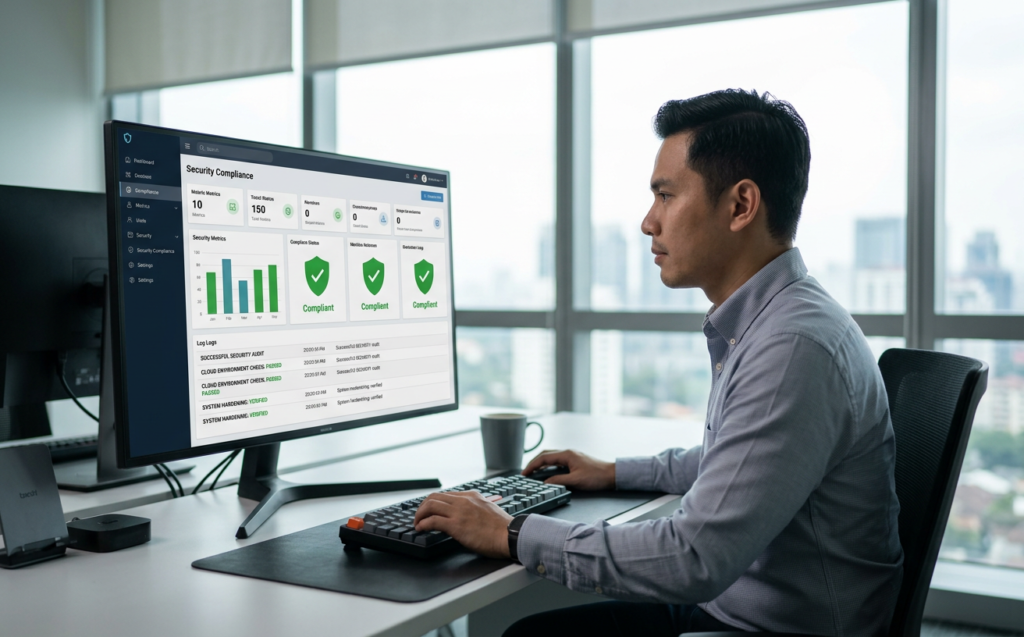
Unlike basic native security dashboards that only provide high-level statistics, GWS Auditglance dives deep into the architecture of your GWS domain. The platform analyzes your actual permission structure, highlights high-risk exposures in real-time, and provides IT teams with a clean, actionable command center to secure data without halting daily business workflows.
Resolving Complex Google Workspace Security Gaps Automatically
To successfully defend your organization’s digital workspace, GWS Auditglance automates the tedious configurations that IT personnel rarely have time to perform manually. It proactively scans your cloud infrastructure to continuously resolve Google Workspace security gaps:
By leveraging GWS Auditglance, organizations can maintain an optimal balance between Productivity & Collaboration and robust, ironclad security. Your teams can continue to collaborate with the speed they expect, while your IT administrators rest assured that the system is actively guarding against data exfiltration.
Conclusion: Elevate Your Productivity Safely
Collaborative suites are the engine of modern business, but they must not become a playground for threat actors. Relying solely on standard cloud settings leaves dangerous, exploitable Google Workspace security gaps that threaten your intellectual property, client trust, and compliance standing.
IT administrators and organization leaders must take proactive control of their cloud defense. GWS Auditglance transforms complex, opaque audit logs into clear, automated security guardrails that keep your workforce safe and your data secure. Take the first step in protecting your collaborative domain.
Secure your enterprise collaboration with confidence—explore GWS Auditglance today.