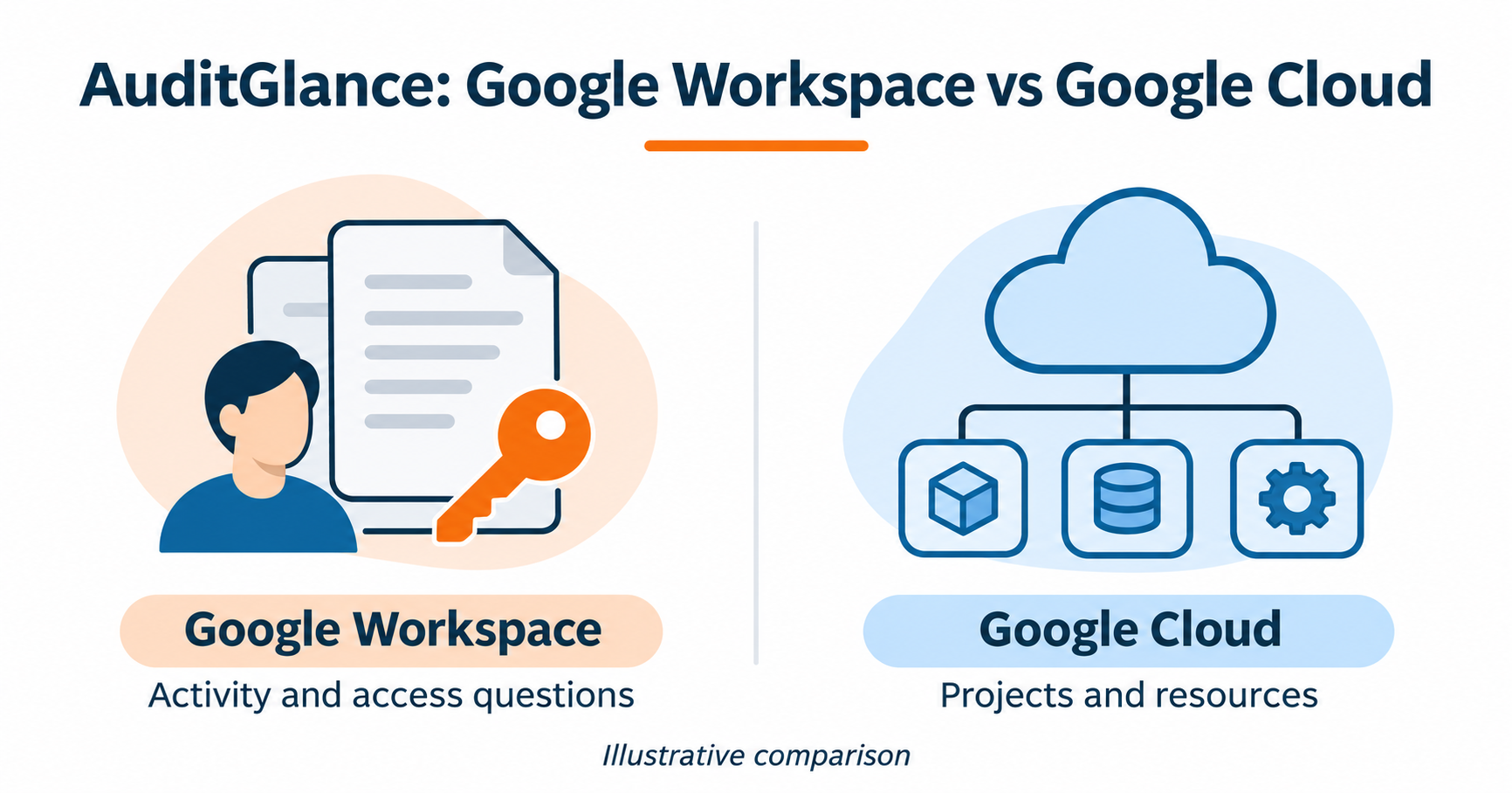
Start a Google Workspace security audit with the accounts, files and apps your team needs to review. The five checks below help you collect evidence and decide which changes to make first.
Set the scope
Choose the accounts, groups and time period to review. Confirm which administrator can access each report and where your team will keep the findings. If you are looking into a specific event, record the date, account and affected service before you start.
Find the evidence
Open Audit and investigation in the Google Admin console. Choose the relevant data source and narrow the search by date and activity.
Check what the logs cover
Available reports depend on your Workspace edition and administrator privileges. Some activity has limited retention or may not appear in a given report. Record any gaps so the person reviewing the findings knows what the evidence covers.
1. Review external Drive sharing
Check the sharing settings for the teams in scope. Use Drive log events to review recent sharing activity. For a file that can be opened outside the organisation, record its owner and who needs access before proposing a change.
2. Review third-party app access
Use App access control to review which apps are in use and what Google data they request. Confirm the business owner and the access each app needs before changing its policy.
3. Investigate unusual sign-ins
Review User log events for activity such as failed logins, password changes or changes to two-step verification. Check what was happening with the account at the time. Escalate activity you cannot explain through your usual security process.
4. Check administrator roles
Use Admin roles to see who holds administrative privileges. Check whether each assignment still matches the person’s duties. Record the owner and the approval needed for any change.
5. Record findings and follow up
For each finding, record the evidence, who will decide what to do and when the team will check it again. Separate changes you can make in the current review from work that needs a wider decision.
When to get help
If you need help scoping a Workspace review, contact MatrixC about Google Workspace. Tell us your edition, approximate user count and what prompted the review. For ongoing Workspace security monitoring, see AuditGlance for Google Workspace.