Many modern IT leaders believe they must choose between Google Workspace and Lark, viewing them as direct corporate rivals.
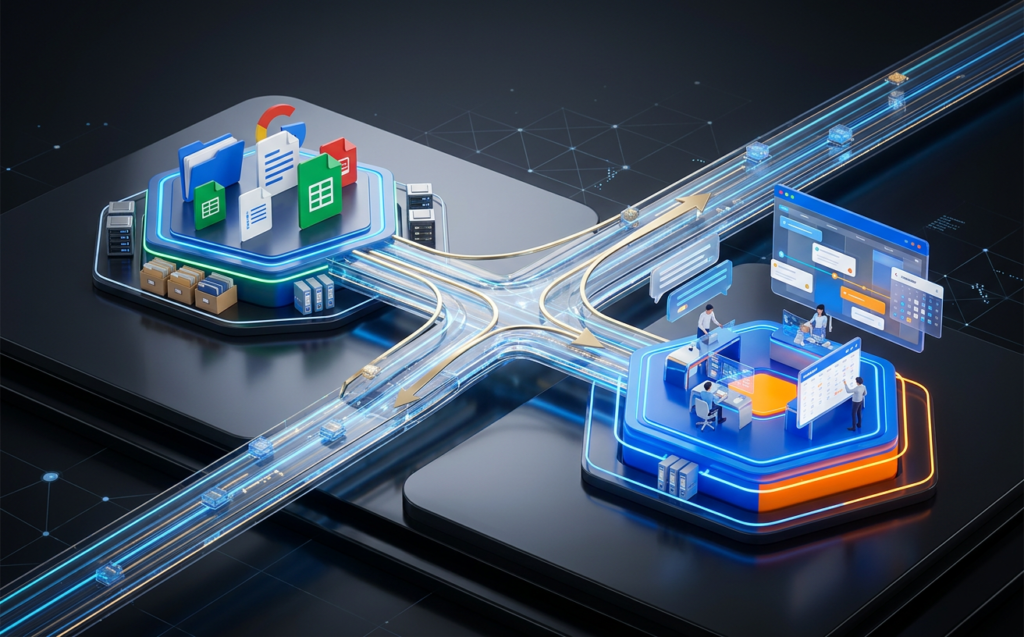
However, utilizing both Google Workspace and Lark in a hybrid model is quickly becoming the gold standard for fast-growing global enterprises.
In this article, we will show you how Google Workspace and Lark can go hand in hand to create a flexible, highly efficient hybrid workspace.
By combining the strengths of both platforms, organizations can maximize collaboration while keeping their licensing costs tightly controlled.
Navigating this transition does not have to be a complicated technical puzzle. With a clear operational blueprint, you can easily unlock the best elements of both tools.
Table of Contents
Why a Google Workspace and Lark Hybrid Setup Makes Sense
For years, enterprises have relied on Google Workspace for their foundational email, file storage, and shared calendars.
While Google’s office suite remains a global standard, many teams find that its communication tools can feel fragmented across separate apps.
This is why adding Google Workspace and Lark to your company’s digital strategy provides a highly cohesive operational environment.
Lark acts as a comprehensive, all-in-one collaboration superapp that brings chat, meetings, and project management together.
Rather than replacing your existing infrastructure, using Google Workspace and Lark simultaneously allows you to enhance your team’s day-to-day engagement.
It fills the real-time communication gaps that legacy office suites often leave behind.
To explore the core benefits of this superapp approach, you can read Introduction to Lark Productivity Superapp. This detailed overview explains how consolidating your team’s workspace drives operational momentum.
Combining this agility with Google’s robust file infrastructure creates a resilient corporate framework.
Understanding the Difference: System of Record vs. System of Engagement
To successfully run a hybrid organization, you must define the unique roles that Google Workspace and Lark play in your everyday workflows
Rather than letting these platforms compete, smart enterprises categorize them into distinct functional areas.
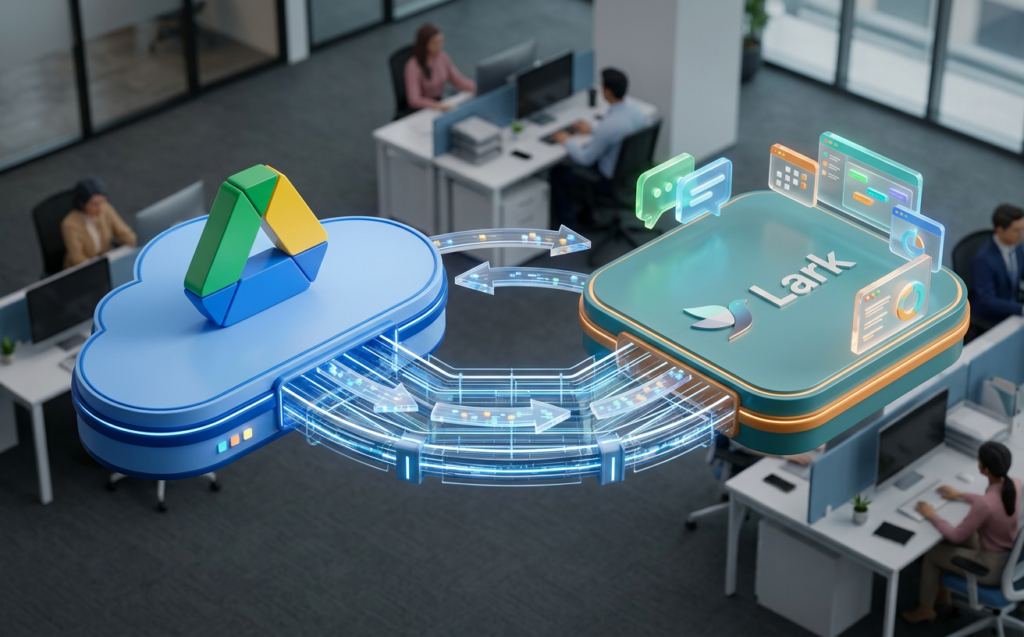
Google Workspace serves as your “System of Record,” while Lark functions as your dynamic “System of Engagement”.
This functional separation ensures that your business-critical documents remain highly secure while your teams collaborate at lightning speed.
It prevents your organization from suffering from information silos and operational delays.
Strategy 1: Establish Google Drive as Your Permanent System of Record
The first step in your Google Workspace and Lark hybrid strategy is to keep your core document repository centralized in Google Drive.
Google’s storage infrastructure offers unmatched enterprise search and document sharing security
By keeping your permanent archives on Google, you maintain absolute control over your critical business data.
When your team members need to reference historical files, they can access their shared Google Drive folders directly. This setup guarantees that your company’s intellectual property is always stored in a compliant, secure environment. It also ensures that your IT department has a single, unified administrative dashboard for data governance.
Strategy 2: Run Daily Communication and Agile Projects on Lark
While files are archived in Google, your active, real-time collaboration should occur on Lark. Because Lark integrates instant messaging, video meetings, and task management in a single superapp, it eliminates the need to pay for extra tools like Slack or ClickUp.
Your team can move from a chat thread to a video call with a single tap.
To learn how this superapp model reduces software overhead, read Lark Superapp for Collaboration & Productivity. Consolidating your tools onto Lark minimizes context switching and keeps your team focused. It turns your communication channel into an active execution engine.
Strategy 3: Optimize Licensing and Reduce Enterprise Sprawl
Deploying Google Workspace and Lark together allows your financial teams to optimize software license spending. Many enterprises pay for expensive, top-tier Google licenses for their entire staff when only a fraction of their users actually need premium features. By introducing a hybrid licensing structure, you can optimize your IT budget.
| Employee Category | Google Workspace Tier | Lark Collaboration Tier |
|---|---|---|
| HQ & Management | Enterprise Plus (For deep auditing and security) | Standard / Enterprise (For real-time executive coordination) |
| Back Office Staff | Business Starter (For basic email and docs) | Standard (For daily task management) |
| Frontline Workers | Basic/No Account (Uses Google for archives only) | Mobile-Only Tier (For shift planning, chats, and approvals) |
This tiered structure allows you to avoid purchasing redundant licenses for team messaging or project tracking. It ensures that you are only paying for the exact resources your workforce consumes.
Integrating Google Workspace and Lark Calendars and Documents
To prevent administrative confusion, you must establish clean integration pathways across your Google Workspace and Lark environments.
Modern cloud APIs make sync events between these two suites fast and reliable. This ensures your teams remain fully aligned without double-booking meetings or losing track of shared files.
For official technical frameworks on syncing multi-tenant cloud ecosystems, you can consult Google Workspace Admin Help on Calendar Interoperability. Following these documented standards ensures that your administrative configurations are fully secure. It helps your IT department manage user access rules across both platforms seamlessly.
Linking Documents and Managing Permissions
When sharing a Google Doc inside a Lark chat, users want a frictionless editing experience. Integrating Google Workspace and Lark allows team members to preview and open Google Docs directly within their Lark chat window. This prevents users from constantly copying and pasting links across different browser tabs.
For security best practices regarding document sharing, refer to Lark Suite Trust and Safety Compliance Center. Understanding these cloud security standards helps you maintain total control over your shared files. It guarantees that your external sharing permissions are always fully aligned with global compliance laws.

Is Your Organization Ready for a Hybrid Collaboration Model?
Every business has a unique collaborative rhythm, meaning that a setup that works for one company might fail for another.
Before implementing a Google Workspace and Lark hybrid strategy, you must conduct a thorough audit of your current digital setup. Understanding your team’s specific collaboration profile is essential for preventing software bloat.
Without a clear diagnostic, introducing a new tool can quickly lead to application sprawl and double-billing. Identifying your actual team behavior ensures that your hybrid workspace runs efficiently. It allows you to build a practical, long-term roadmap for cloud optimization.
Discover Your Team’s Unique Pattern with the 4-Minute DNA Assessment
To help you gain complete clarity over your IT environment, we have developed a frictionless, highly accurate diagnostic tool Take our 4-Minute DNA Assessment. The Workspace DNA Assessment is a simple 17-question questionnaire designed to analyze your current collaboration architecture and identify hidden licensing waste.
| Assessment Feature | What You Get |
|---|---|
| ⏱️ Frictionless Access | Takes only about 4 minutes. No account creation or email signup required to view results. |
| 🧩 Pattern Matching | Maps your 17-answer profile to one of 8 distinct named enterprise deployment patterns. |
| 📈 Financial Modeling | Generates a complete 3-year financial model, projecting your exact TCO and Cost of Inaction. |
Stop guessing your actual cloud utilization and start building a smarter, leaner, and more collaborative hybrid organization today. Click below to take your free 4-minute diagnostic or reach out directly to our team to build a tailored cloud roadmap.
👉 TAKE THE 4-MINUTE WORKSPACE DNA ASSESSMENT NOW
💬 CONNECT WITH OUR CERTIFIED HYBRID WORK EXPERTS ON WHATSAPP